Batch export
Export one recording or many at once, with their original titles and dates.
 Export for Voice Memos
For macOS
Export for Voice MemosExport Apple Voice Memos in batches, choose the format you need, and reduce steady background noise. Everything stays on your Mac.
Simple by design
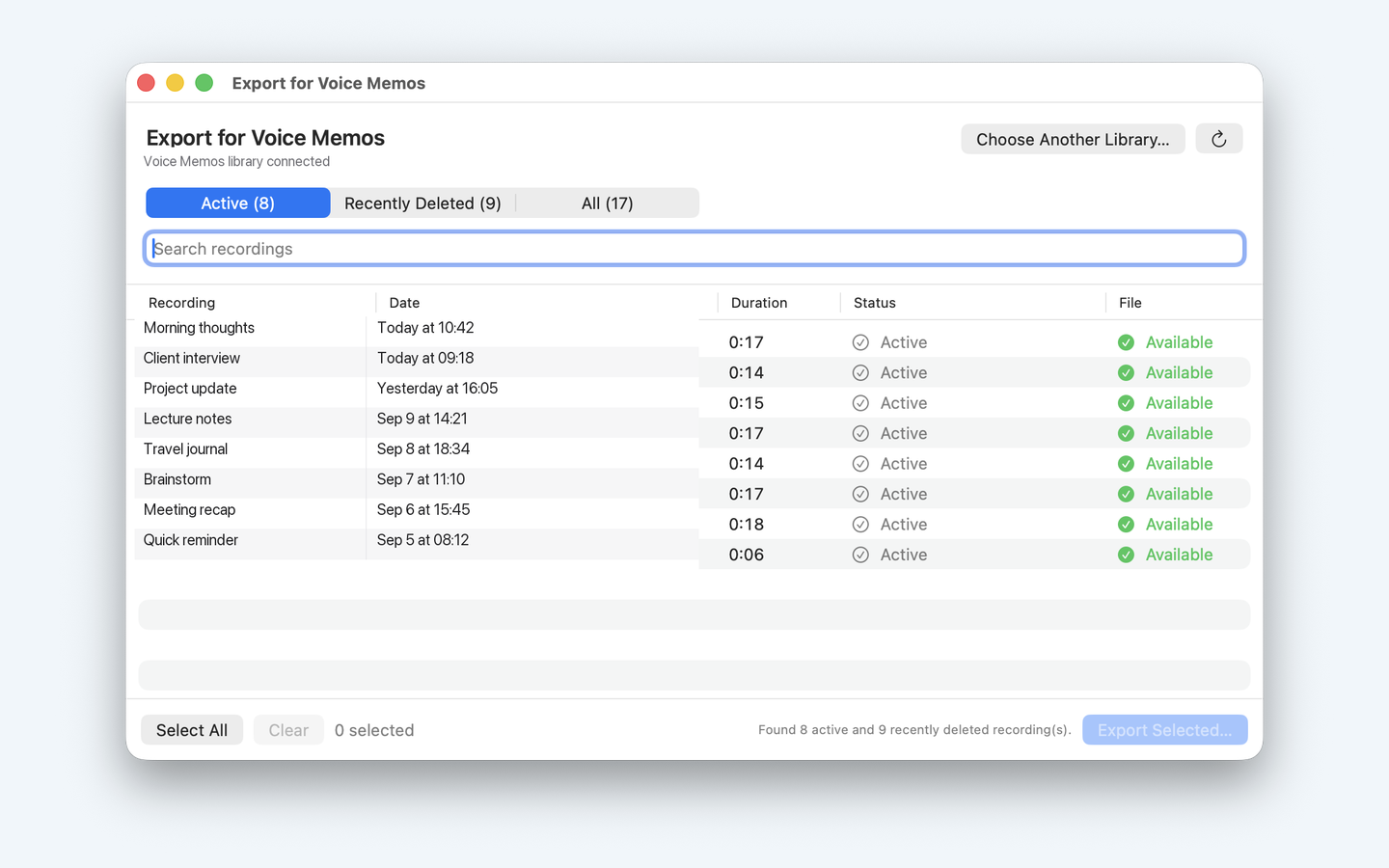
Grant access to the Voice Memos recordings folder, select what you need, then export. Your originals are never changed.
Export one recording or many at once, with their original titles and dates.
Keep the original file or convert to M4A, MP3, WAV, AIFF, or CAF.
Optional speech-focused noise reduction runs locally using RNNoise.
View active and recently deleted recordings in separate groups.
Choose the Voice Memos folder with the standard macOS picker. Full Disk Access is not required.
Open the destination folder automatically when the export finishes.
The app has no account, analytics, or cloud processing. Recordings are read and processed on your Mac.